Back to work
Enterprise Mendix app
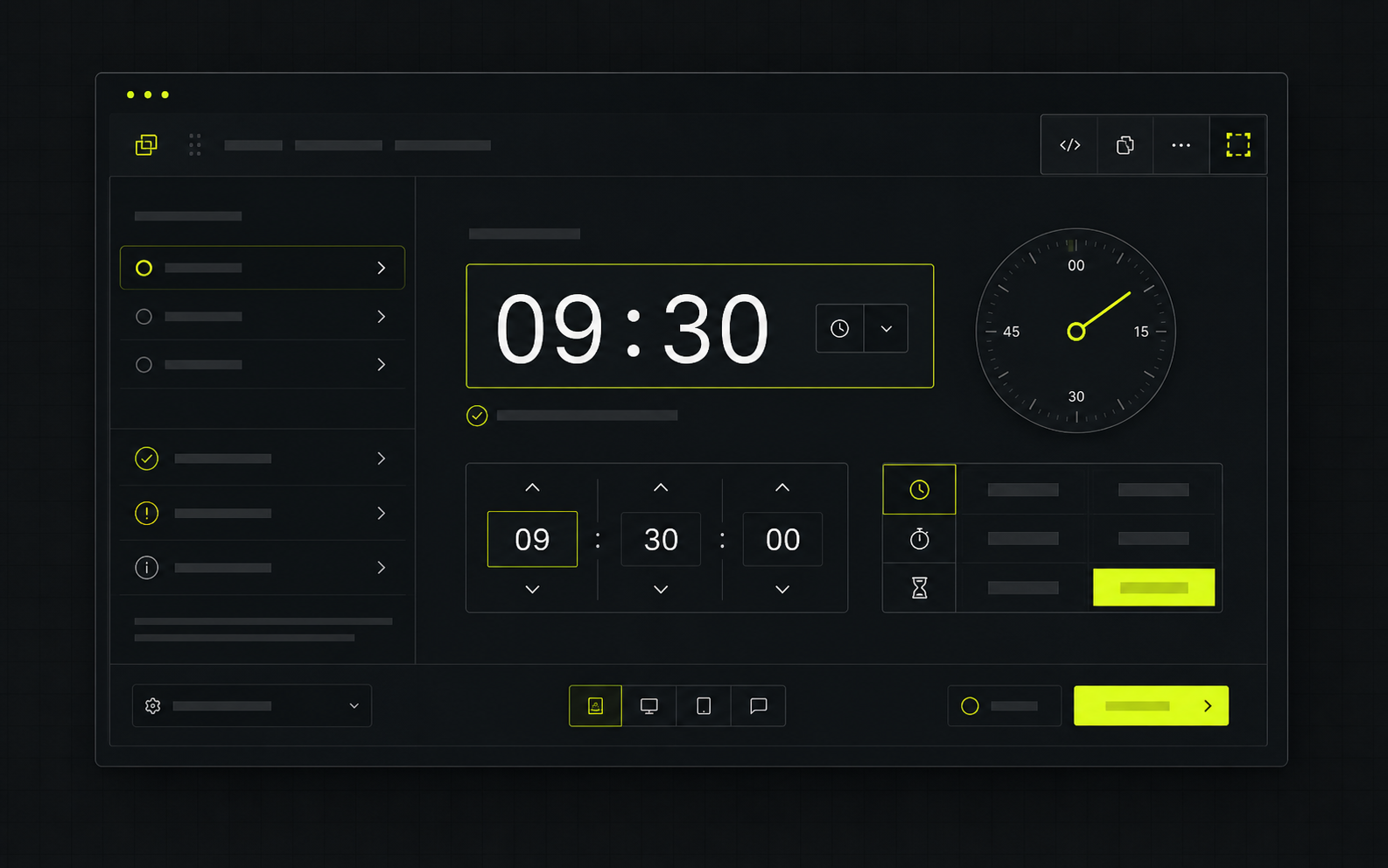
Mendix Custom Time Picker
A reusable widget pattern for turning a small UX gap into a polished, platform-friendly interaction.
Challenge
- A default time field did not match the interaction model people needed in the app.
- Validation and timing rules had to feel clear without forcing repeated custom logic in every use case.
- The widget needed to sit comfortably inside a Mendix workflow while still feeling like a modern frontend component.
Solution
- Designed the picker around readable time selection, clear state and reusable behavior instead of one-off form tweaks.
- Kept the implementation focused on JavaScript widget logic that can travel between screens and apps.
- Treated validation, keyboard-friendly interaction and handover as part of the component rather than afterthoughts.
Outcome
- Teams get a cleaner time-input experience without rebuilding the same behavior repeatedly.
- The app can keep Mendix delivery speed while improving the quality of key interactions.
- The project shows the kind of low-code plus pro-code work that makes enterprise tools feel less compromised.
Stack and patterns
Built around the platform while keeping the interaction reusable.
MendixJavaScriptWidget APIValidation rulesAccessible interactionReusable component logic
One small platform interaction keeps causing friction.
The app works technically, but a widget, picker, form or validation path feels too generic or repetitive.
Isolate the reusable behavior.
Define the states, rules and screens where a custom component would reduce repeated workaround code.
Screenshots, validation rules and edge cases.
The useful brief is less about a perfect spec and more about the exact moments users fight today.
Previous proofSSK Training Club WebsiteSödertälje SK Training Club / 2026
A live build that shows how a visitor-facing site can become a useful product surface.
Next proofFactory Layout / React Leaflet WidgetFactory planning concept / 2026A planning surface that turns static layout knowledge into something teams can explore.
My process
A clear path from idea to impact.
Clarify
We define the problem, users and constraints before anything gets overbuilt.
Prototype
I design the core workflow quickly so direction becomes visible early.
Build
I build clean, scalable foundations with attention to detail.
Ship
We launch, test with real users and make sure it actually works.
Improve
I iterate, optimize and evolve the product with your team.
Practical. Collaborative. Built to last.
Let's work together
Tell me what you want to build.
Let's build something useful.Project brief
Shape the first message.
Choose the build, name the friction, then send Pontus a brief that already has structure.Hi Pontus, I am interested in: A conversion-focused website. Main friction: The current experience does not create enough confidence. Timeline: Soon. Context: What makes the current site, tool or workflow feel less trustworthy than it should? Useful starting point: Pontus should review the current offer, page structure, audience and strongest proof points. Best,
What Pontus will ask next
- Who needs to trust you faster?
- What should visitors do next?
- What proof already exists?
A conversion-focused websiteSoon